7 Todo Apps Ranked by Whether They Help You Finish
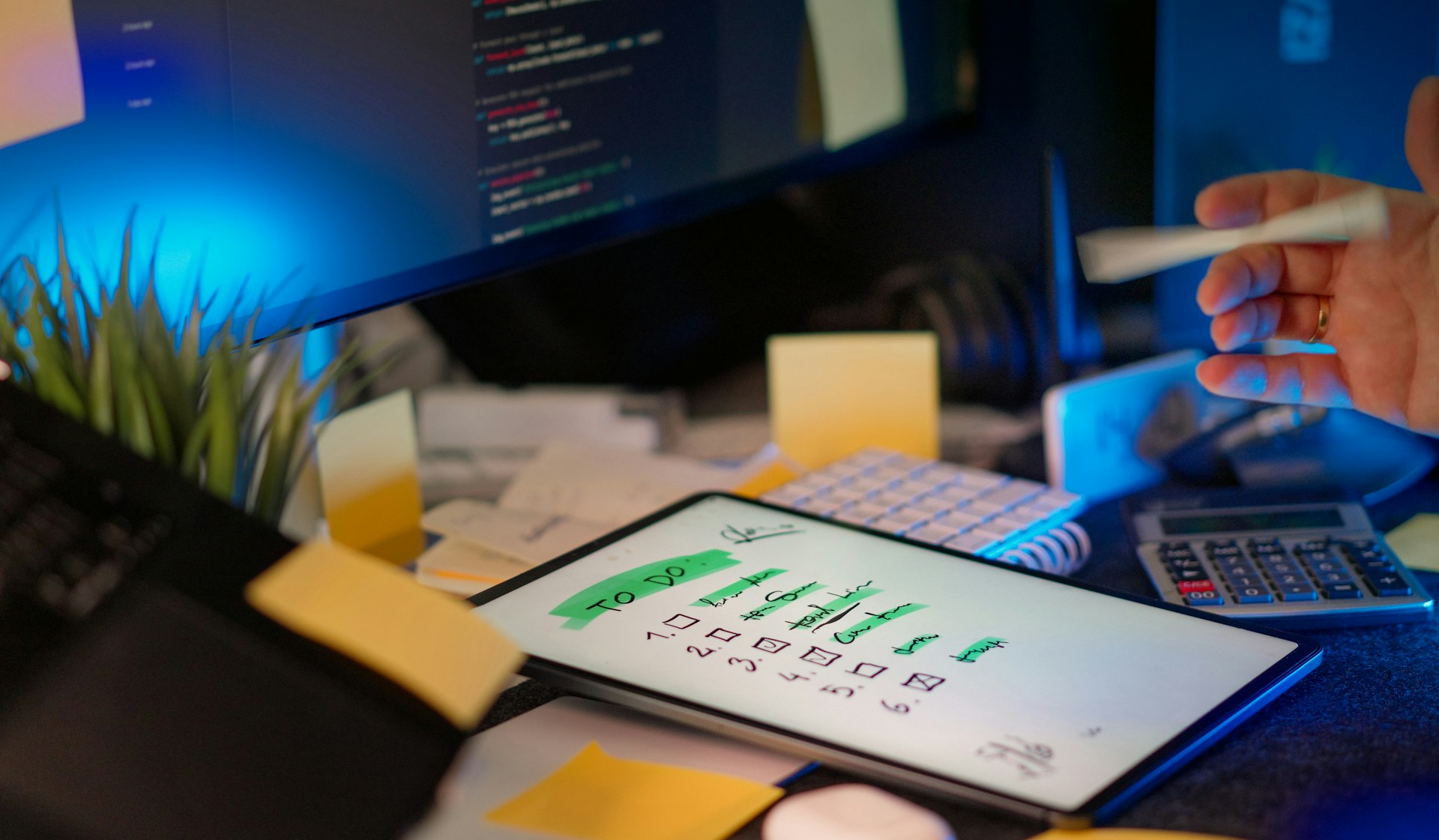
Most todo apps help you collect tasks, not finish them. We ranked 7 popular options against one question — does it help you finish tasks or just collect them?
Forty-one percent of everything you put on a todo list will never get done.
According to data from iDoneThis, nearly half of all todo items are abandoned — not completed, not deleted, just slowly buried under newer, shinier obligations. Meanwhile, only 15% of the tasks people actually finish were ever on a list in the first place. And productivity apps? They hold onto just 4.1% of users after 30 days.
So here's the uncomfortable question every todo app should have to answer: does it help you finish tasks, or just collect them?
Most of them collect. The capture experience is frictionless, the organizational features are endless, and the dopamine hit of adding a task feels like progress. But finishing requires something fundamentally different from adding — and the cognitive science is remarkably clear about what that something is.
We focused on dedicated personal task managers — not project management tools like Asana or ClickUp that serve a different purpose. Each app is ranked from most to least effective at driving task completion, judged against the research-backed criteria below.
Why Your Todo List Works Against You
The Zeigarnik effect — the idea that unfinished tasks stick in your head — is more nuanced than the productivity blogosphere admits. A 2025 meta-analysis in Humanities and Social Sciences Communications found no reliable memory advantage for incomplete tasks. What does hold up: unfinished tasks create intrusive thoughts that consume working memory. But Masicampo and Baumeister (2011) showed that simply making a specific plan eliminates the interference — even if you don't do the task yet. The plan itself quiets the noise.
This is why implementation intentions matter so much. Peter Gollwitzer's research across 94 studies and 8,000+ participants found that people with specific if-then plans were roughly three times more likely to complete difficult goals than those with vague intentions (Gollwitzer & Sheeran, 2006).
But we systematically over-commit. The planning fallacy means we underestimate task duration by 40-60% (Buehler, Griffin & Ross, 1994), and Cowan (2001) found that working memory handles roughly four items — not seven. A 50-item todo list doesn't reduce cognitive load. It is cognitive load.
Cal Newport nails the implication: "A task list is not enough to make the most of your limited time." You need a pull-based system — a holding tank for everything, a tightly limited active list — plus daily commitment rituals that force you to confront what's actually possible today.
That's our framework. Does the app have mechanisms that drive completion — daily focus views, capacity limits, time-boxing, stuck-task detection — or does it just make it easy to add more items to the pile?
1. Todoist
Best for: The organized generalist who wants a fast, reliable inbox across every device.
Todoist is the Honda Civic of todo apps — and that's not the insult you think it is. Forty million users, available on every platform imaginable, and genuinely good at the basics. The natural language input is best-in-class: type "Call dentist every 3rd Friday at 2pm #Health" and it parses date, recurrence, priority, and project in one shot. Filters let power users build GTD-style "next action" views. The ecosystem of 80+ integrations means it plugs into whatever workflow you already have.
- ✅ Natural language capture is the fastest in the category
- ✅ Available everywhere — web, desktop, mobile, browser extensions, wearables, voice assistants
- ✅ Filters and labels enable sophisticated custom views
- ✅ Karma system provides mild gamification pressure
- ⚠️ No start dates — a top community request for years, still missing
- ⚠️ Rescheduling is too easy — the "tomorrow... tomorrow..." loop is a real failure mode
- ❌ No time-blocking, no workload view, no capacity limits
- ❌ No stuck-task detection — a task deferred 15 times looks the same as a fresh one
- ❌ Reminders paywalled behind Pro ($5/mo)
Pricing: Free (5 projects) / Pro $5/mo / Business $8/user/mo Platforms: Web, Windows, macOS, Linux, iOS, Android, Apple Watch, Wear OS, browser extensions
Verdict: An excellent inbox for intentions and a mediocre engine for execution. Todoist captures beautifully but provides almost no structure for deciding what to do next. Pair it with time-blocking on a calendar and a weekly review, and it works. Use it alone, and you'll accumulate a backlog that slowly becomes background anxiety.
2. Things 3
Best for: Apple users who value design-driven focus over feature breadth.
Things 3 is what happens when a team spends a decade polishing a single idea. The GTD-inspired hierarchy — Areas → Projects → Todos — maps cleanly to how most people think about their responsibilities. The UI is so friction-free that you actually open the app, which turns out to be the most important feature of all. Multiple Apple Design Awards aren't an accident.
- ✅ The most beautiful, friction-free task management UI ever built
- ✅ "Today" and "Upcoming" views create natural daily focus
- ✅ GTD structure (Areas, Projects, Headings) provides just enough organization
- ✅ One-time purchase — no subscription fatigue
- ⚠️ Apple ecosystem only — no Android, no web, no Windows
- ⚠️ Checklists are one level deep only — complex projects need workarounds
- ❌ Zero collaboration features — strictly single-player
- ❌ No AI assistance, no time tracking, no API
- ❌ If you're away from your Apple devices, you have zero access
Pricing: Mac $49.99 / iPad $19.99 / iPhone $9.99 (one-time purchases) Platforms: macOS, iOS, iPadOS, watchOS, visionOS
Verdict: Things 3 helps you finish tasks by removing everything that isn't finishing tasks. The deliberate constraints — no collaboration, no integrations, no feature bloat — mean there's nothing to fiddle with. You open it, you see today's tasks, you do them. The limitation is real, though: if you're not all-in on Apple, this app doesn't exist for you.
3. TickTick
Best for: The power user who wants tasks, time management, and habits in one app.
TickTick is the Swiss Army knife of the category. Where others specialize, TickTick aggregates: Pomodoro timer, habit tracker, calendar view, Eisenhower matrix, and Kanban boards all live under one roof. It's the widest platform coverage of any app here, and the free tier is generous enough to be genuinely usable.
- ✅ Built-in Pomodoro creates direct time-on-task accountability
- ✅ Habit tracking reinforces consistency for recurring behaviors
- ✅ Eisenhower matrix forces prioritization decisions
- ✅ Calendar integration enables time-blocking within the app
- ✅ Available on everything — iOS, Android, Mac, Windows, Linux, web, wearables
- ⚠️ The UI is dense and utilitarian — function over form
- ⚠️ Feature overload creates a steep learning curve for new users
- ❌ Having every feature in one app means each individual feature feels less refined
- ❌ Some users report sync delays between platforms
Pricing: Free (99 lists, 99 tasks/list) / Premium $35.99/year Platforms: iOS, Android, macOS, Windows, Linux, Web, Apple Watch, Wear OS, browser extensions
Verdict: TickTick is the strongest finisher in this list for people who will actually use its tools. The Pomodoro timer means you're not just listing tasks — you're timing yourself doing them. The Eisenhower matrix forces prioritization. The calendar view connects "what" to "when." The catch is that many users will only use 20% of the features, and the other 80% creates visual clutter that makes the app feel heavier than it needs to be.
4. Microsoft To Do
Best for: Anyone already in Microsoft 365 who wants something simple and free.
Microsoft To Do rose from the ashes of Wunderlist — and it brought one killer feature with it. My Day is a blank slate that resets every morning, prompting you to deliberately choose what you'll work on today. It's a daily commitment ritual baked into the app, and it's one of the few mechanisms in any todo app that directly addresses the completion problem.
- ✅ My Day is genuinely one of the best task completion mechanisms in any app
- ✅ Free — no tiers, no paywalls, no "upgrade to unlock reminders"
- ✅ Deep Outlook integration — flagged emails become tasks automatically
- ✅ Smart lists surface tasks by urgency and assignment
- ⚠️ No natural language date parsing — manual date picking required
- ⚠️ Tasks not placed in My Day tend to accumulate and get forgotten
- ❌ No nested lists, sections, tags, or Kanban view
- ❌ Limited organizational tools for complex projects
Pricing: Free with any Microsoft account Platforms: Windows, macOS, iOS, Android, Web (via Outlook)
Verdict: Microsoft To Do punches above its weight because My Day solves the right problem — it forces a daily scope decision instead of showing you everything at once. It's the closest thing to Cal Newport's pull-based system in a mainstream app. The downside is that everything outside My Day becomes a graveyard of good intentions.
5. Google Tasks
Best for: Gmail/Calendar users who need a lightweight task sidebar, not a system.
Google Tasks exists in the margins — literally. It lives in a side panel next to Gmail and Google Calendar, and that's both its greatest strength and its fundamental limitation. If you process email and schedule meetings all day, having tasks right there reduces one specific type of friction. But Google Tasks isn't trying to be a task management system. It's trying to be a checkbox.
- ✅ Zero-friction if you live in Gmail and Google Calendar
- ✅ Tasks with dates appear directly on your calendar
- ✅ Free, no account setup beyond Google
- ✅ The simplicity means there's nothing to over-engineer
- ⚠️ Often feels like an afterthought product — Google has historically under-invested
- ❌ No labels, tags, priorities, or custom fields
- ❌ No collaboration — can't share lists
- ❌ Single-level subtasks only
- ❌ No recurring tasks worth mentioning, no reminders on web
Pricing: Free with any Google account Platforms: Android, iOS, Web (sidebar in Gmail/Calendar/Docs)
Verdict: Google Tasks is a notepad pinned to the side of your email. It's fine for capturing three things you need to do today. It is not a system for managing ongoing work, and it has no completion mechanisms whatsoever — no daily review, no urgency signals, no analytics. Tasks go in, and they sit there until you either do them or forget about them.
6. Autogram
Best for: People who've abandoned every todo app because the system was more work than the tasks.
Autogram takes a fundamentally different approach: you don't use an app. You text. Capture happens through WhatsApp, Telegram, or iMessage — the messaging apps you already have open. Send a note, a voice memo, a photo, a link. Autogram's AI automatically extracts action items, tags entities, and connects related notes into a queryable knowledge base organized around the PARA framework.
- ✅ Zero-friction capture — no app to open, no system to learn
- ✅ AI handles all organization — entity extraction, tagging, and linking are automatic
- ✅ Queryable recall ("What did I commit to in Monday's meeting?") turns passive notes into active memory
- ✅ Multi-modal — text, voice, images, video, documents, URLs
- ✅ Knowledge graph surfaces connections you didn't manually create
- ⚠️ Currently in Private Alpha — you'll need to join the waitlist
- ⚠️ No native mobile app — the messaging interface is the app, which is either brilliant or limiting depending on your workflow
- ❌ No calendar integration or time-blocking — capture is strong, but scheduling is still on you
- ❌ No weekly review prompt or stuck-task detection — the same completion gaps as simpler tools
- ❌ Still early — feature set is evolving and not yet at parity with mature tools
Pricing: Private Alpha (waitlist at getautogram.com) Platforms: WhatsApp, Telegram, iMessage/SMS, Web dashboard
Verdict: Autogram bets that the reason people abandon todo apps isn't laziness — it's that maintaining a productivity system is itself a task. By eliminating the system entirely and letting AI handle organization, it removes the biggest barrier to consistent capture. But capture alone isn't completion, and Autogram still lacks the time-boxing and review mechanisms that drive finishing. For the 41% of tasks that currently die on traditional lists, "zero-effort capture with AI organization" is a compelling starting point — not yet a complete solution.
7. Notion
Best for: Teams and individuals who want a fully customized workspace — and are willing to build it.
Notion is the most powerful tool on this list and the most dangerous. Its database-driven architecture means you can build any task management system you can imagine — Kanban boards, Eisenhower matrices, linked project hierarchies with rollup calculations, automated status changes. The problem is that building the system feels like productive work, and it isn't.
- ✅ Infinite flexibility — databases, views, relations, rollups, automations
- ✅ Rich task pages — each todo can contain full documents, embeds, and files
- ✅ Strong collaboration features for teams
- ✅ Notion AI can summarize tasks, generate action items from meeting notes
- ⚠️ The "productivity procrastination" trap — building the system instead of using it
- ⚠️ Mobile app is noticeably slow, especially with large databases
- ❌ No quick capture — adding a task means navigating to the right database
- ❌ Historically poor offline support
- ❌ Every customization is a decision, and decisions consume willpower
Pricing: Free / Plus $10/mo / Business $18/mo / Enterprise (custom) / AI add-on $10/mo Platforms: macOS, Windows, iOS, Android, Web
Verdict: Notion is a todo app the way a spreadsheet is a calculator — technically capable, but the overhead of the tool often exceeds the complexity of the task. If you're managing a team with interconnected projects, Notion's power justifies the setup cost. If you're an individual trying to remember to buy milk and finish the quarterly report, you'll spend more time in the settings than in the work.
The Workflow That Actually Works
Now that you've seen what each app offers, here's the uncomfortable truth: the app matters less than what you do with it. Here's what the research says you actually need — regardless of which tool you choose:
1. Capture everything, but into a holding tank — not your active list. The GTD insight is correct: uncaptured tasks create cognitive interference (Masicampo & Baumeister, 2011). But dumping everything into one list creates a different kind of overload. Maintain a separate inbox or backlog.
2. Limit your active list to four big items. Cowan's working memory research says your brain handles roughly four chunks at once. Your "today" list should respect that limit. If you have more than four big things to do today, you don't have a plan — you have a wish.
3. Use if-then formatting. Don't write "Work on presentation." Write "At 2pm, open slides and finish the competitive analysis section." Implementation intentions with specific triggers are three times more effective than vague task descriptions (Gollwitzer & Sheeran, 2006).
4. Build a daily commitment ritual. Microsoft To Do's My Day feature exists because this works. Every morning, look at your backlog and pull — don't push — tasks into today. Cal Newport's time-blockers accomplish roughly twice as much per week using exactly this approach.
5. Flag stuck tasks. If you've rescheduled something three times, it's not a timing problem — it's a commitment problem. Either break it down, delegate it, or delete it. No app will do this for you, but TickTick's Pomodoro timer and Things 3's minimalism make it harder to hide.
The apps that score highest against these criteria — TickTick for its built-in execution tools, Microsoft To Do for its daily commitment ritual, Things 3 for its focus-through-constraint philosophy — are the ones most likely to help you actually finish what you start.
And if you've cycled through multiple systems and keep abandoning them because the maintenance overhead exceeds the value, that's worth paying attention to. It might mean you need a simpler app. Or it might mean the app should do the organizing for you — which is exactly the bet Autogram is making.