7 Voice-to-Text Apps Evaluated on One Question
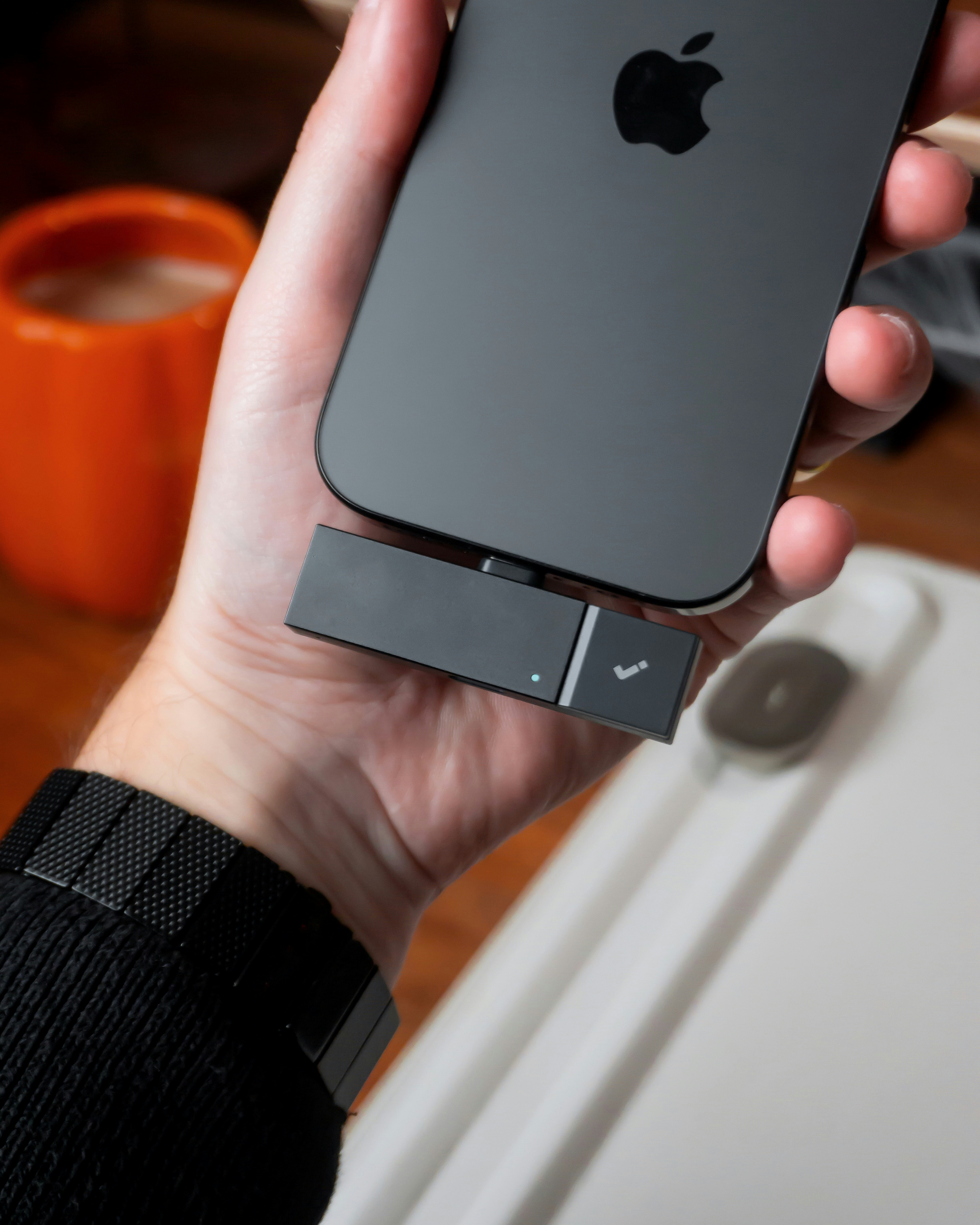
Most voice apps give you a wall of text. Here's how AudioPen, Otter.ai, Oasis, Notta, Superwhisper, Voicenotes, and Apple Dictation actually perform for knowledge workers.
What if the fastest way to capture your best thinking is the one your note system can't read?
You're on a commute, a walk, a drive. The ideas are coming. You open a voice app, talk for ninety seconds, and by the time you arrive — at your desk, at the meeting, at your front door — you have a transcript. A wall of text. Punctuation-free, thought-fragment-dense, impossible to skim. You paste it into Notion or Obsidian, where it sits, unsearchable and unlinked, until you forget it exists.
This is the state of voice capture in 2026: extremely good at getting audio off your phone, and almost universally bad at turning that audio into anything you can actually think with later. The question that separates a useful voice tool from an expensive transcription service isn't "how accurate is it?" — it's "does it turn your voice into connected, queryable knowledge — or just give you a wall of text?"
The stakes are real. Average conversational speech runs at 130–150 words per minute; most people type at 40–60 (Guo et al., 2013; Dhakal et al., 2018). Voice capture is two to three times faster at the moment of ideation. And research by Oppezzo & Schwartz (2014) found that walking boosts divergent thinking by 81% compared to sitting — meaning your best ideas are most likely to arrive in the contexts where typing is hardest. Voice isn't a niche use case for podcasters. It's the primary capture modality for anyone who thinks while moving.
But speed of capture is only half the problem. Baddeley's model of working memory (1986) established that the phonological loop — the system that holds inner speech — decays within seconds without active rehearsal. You get the idea out. Then what? If the output is a transcript you'll never parse, the capture succeeded and the knowledge failed. Tiago Forte's capture-first principle cuts straight to it: the point of capture must be zero-friction and zero-decision, but organization is a separate phase — and for voice, most tools never get there (Forte, Building a Second Brain, 2022).
The tools below are ordered by how well each answers that question — best first.
AudioPen — The closest thing to a voice-to-thought translator, but it stops at the edge of your PKM system.
AudioPen takes raw, unedited voice input — filler words, false starts, mid-sentence pivots — and uses GPT-4 to produce a restructured, cleaned prose note. The AI doesn't just transcribe; it restructures. A three-minute brain dump becomes a coherent paragraph. This is meaningfully different from every other tool in this list.
- ✅ Best AI restructuring in the set — outputs readable, usable prose, not raw transcript
- ✅ Free tier available; paid plans from ~$8/month
- ✅ Fast capture, minimal friction
- ⚠️ Outputs are siloed — no native integration with Notion, Obsidian, or any PKM tool
- ❌ No cross-note linking or queryability; you can't ask "what have I said about X across all my notes"
- ❌ Each note is an island — synthesis across sessions is entirely manual
Oasis — Best for emotional reflection; not built for knowledge retrieval.
Oasis positions itself as an AI voice journaling companion. It generates themes, emotional insights, and summaries from your entries. For journaling as a practice — processing, reflecting, venting — it's thoughtfully designed. Pricing is not publicly listed; check the App Store.
- ✅ AI synthesis layer goes beyond transcription — themes and patterns emerge across entries
- ✅ Designed for the freeform, non-linear thinking that most tools punish
- ⚠️ Emotional/reflective framing means it's not optimized for task capture or factual notes
- ❌ Limited export and integration — your insights stay inside Oasis
- ❌ No connection to external notes; can't query voice entries alongside text
Voicenotes — Built for journaling, not knowledge work.
Voicenotes adds an AI summary and thematic tagging layer to voice journaling, along with mood tracking and searchable archives of past entries. For the use case it targets, it does the job.
- ✅ Purpose-built for voice journaling; the UX reflects that
- ✅ AI summaries and theme extraction make entries more scannable than raw transcripts
- ✅ Searchable archive within the app
- ⚠️ ~$9.99/month for a journaling-only tool
- ❌ Silo — no integration with text-based note systems
- ❌ No action-item extraction; no connection to tasks or projects
Otter.ai — The best meeting transcriber in the set. The wrong tool for brain dumps.
Otter is dominant in the meeting transcription category: real-time transcription, speaker diarization, AI summary, and action-item extraction from structured conversations. For freeform thought, its architecture works against you.
- ✅ Best speaker diarization in the set — essential for meeting use cases
- ✅ AI action items and meeting summary are genuinely useful
- ✅ Free tier: 300 min/month; Pro at $16.99/month
- ⚠️ Optimized for structured meetings, not unstructured thought — freeform recordings produce verbose, hard-to-parse transcripts
- ❌ Silo — no native integration with Notion, Obsidian, or other PKM tools
- ❌ Search is within Otter only; cannot query across notes or link to related ideas
Notta — Stronger search, same silo problem.
Notta is cross-platform with solid multi-language support and keyword search across your transcript archive. The search is better than Otter's within-session search. The integration gap is identical.
- ✅ Cross-platform: web, iOS, Android, Chrome extension
- ✅ Best in-app search across transcripts in this list
- ✅ Free tier: 120 min/month; Pro at $13.99/month
- ⚠️ Meeting-transcription-first — freeform audio is supported but not the design center
- ❌ Transcript silo; search doesn't extend to your text notes or other knowledge
- ❌ No AI restructuring of freeform input — raw transcript output
Superwhisper — The best transcription quality in the set. Nothing else.
Superwhisper runs OpenAI's Whisper model locally on Mac and iOS, producing offline, privacy-first transcription at accuracy levels that beat cloud-dependent tools for clear speech. That's the whole product.
- ✅ Best transcription accuracy in the set for clear audio
- ✅ On-device — fully private, no cloud dependency
- ✅ Works offline, reliable on commutes and in low-signal environments
- ⚠️ ~$99/year for what is, ultimately, a transcription tool
- ❌ No AI synthesis, summarization, or restructuring — wall of text output
- ❌ No archive or queryable history; transcripts must be manually exported
- ❌ No integration with any note system by design
Apple Dictation — The lowest barrier to start. The highest barrier to everything after.
Apple Dictation is free, on-device, and available anywhere the cursor is. For getting words onto a screen, it has no friction. That's where the value ends.
- ✅ Free, always available, no account required
- ✅ On-device processing on Apple Silicon — fast and private
- ⚠️ Output appears wherever your cursor is — no dedicated capture destination
- ❌ Pure transcription with zero AI processing
- ❌ No history, no searchable archive, no memory of anything previously dictated
- ❌ No integration possible — it's a keyboard replacement, not a capture tool
The practical workflow that emerges from this evaluation is uncomfortable: no single tool in this list solves the full problem. AudioPen gets you the closest on the synthesis side. For privacy-sensitive users, Superwhisper into AudioPen — paste the transcript, get the restructuring — is the least-bad workaround. For meeting capture specifically, Otter remains the default. For journaling as a distinct practice, Voicenotes or Oasis serve their use case well.
But the integration gap — the space between your voice and your text notes — remains unaddressed by every tool here. Your voice captures your best thinking on the commute. Your Obsidian vault holds three years of research notes. There is currently no native path between them.
Autogram treats voice as one input modality among many — text, links, images, voice — all landing in the same queryable knowledge base. A 90-second brain dump after a meeting becomes searchable, linked to relevant existing notes, with action items extracted automatically. It's not a better transcriber. It's a different model of what voice capture is for. Early access is open — join the waitlist.
The honest conclusion from evaluating seven voice tools against one question is this: every app in this list was designed to solve the capture problem and left the knowledge problem untouched. They make it easy to get audio off your phone. None of them make it easy to think with later. Read that as a product gap before you choose your next tool — and answer honestly whether the gap matters to you.
References: Baddeley, A. Working Memory. Oxford University Press, 1986. | Oppezzo, M. & Schwartz, D. L. Give your ideas some legs: The positive effect of walking on creative thinking. Journal of Experimental Psychology: Learning, Memory, and Cognition, 40(4), 2014. | Guo, J. et al. Statistical properties of English speech sounds. Journal of the Acoustical Society of America, 2013. | Dhakal, V. et al. Observations on typing from 136 million keystrokes. CHI Conference on Human Factors in Computing Systems, 2018. | Forte, T. Building a Second Brain. Atria Books, 2022.